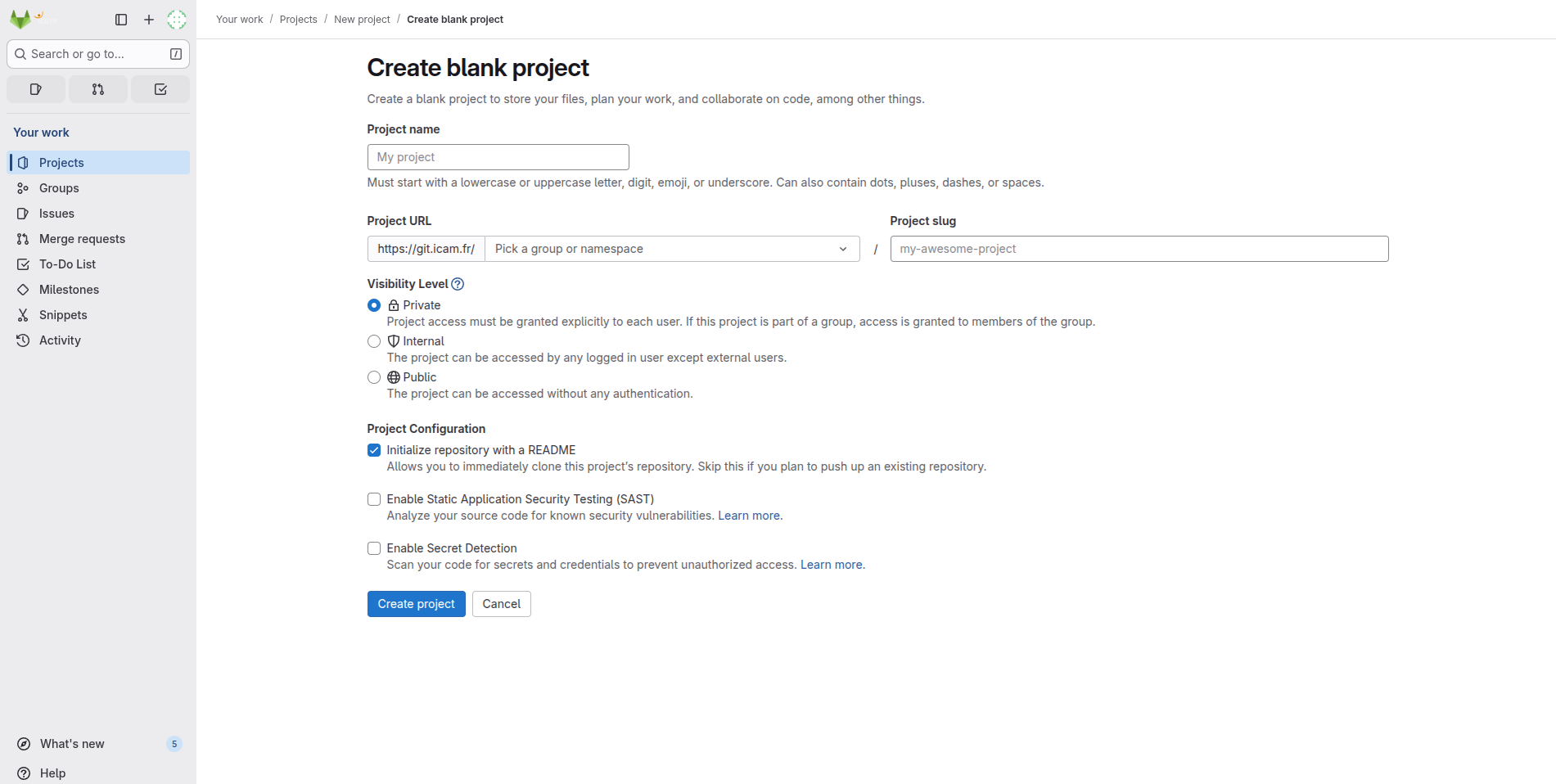
Create a Blank Project
caution
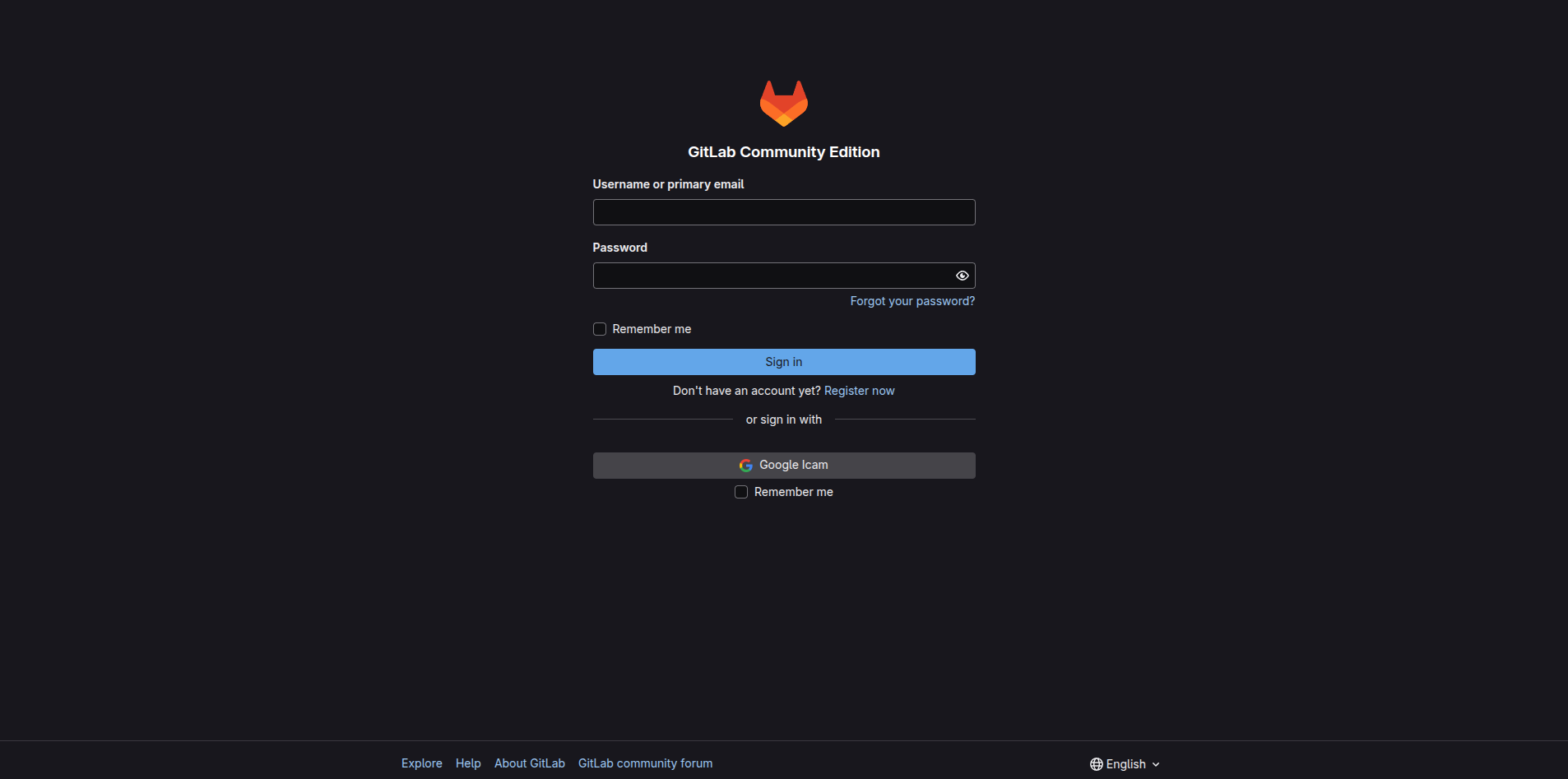
Before proceeding, ensure you have your login information ready. If you do not have an account, please contact your organization or create a free account.
Connect to Your GitLab Instance
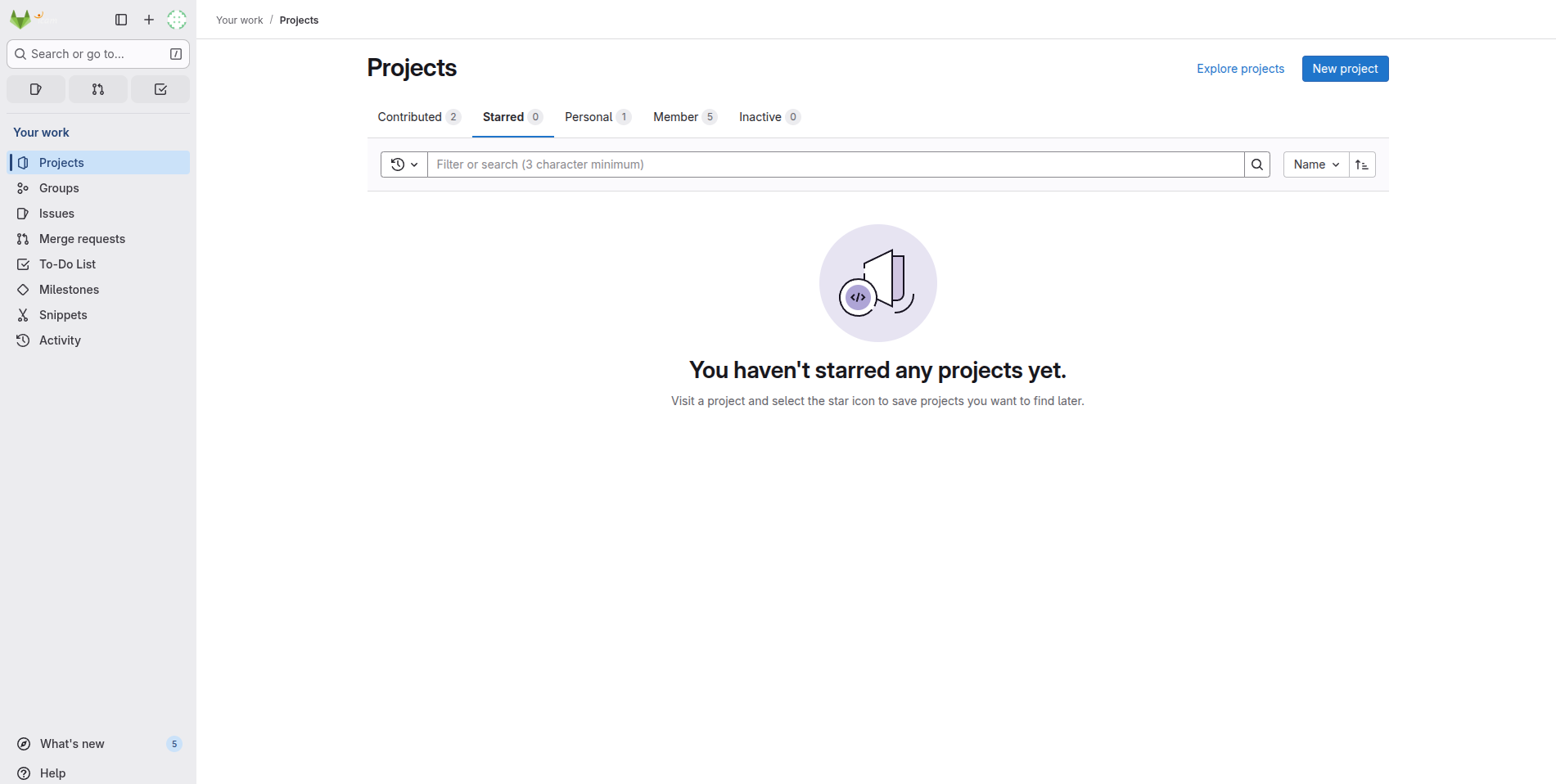
Project Creation
Once you are logged in, click the New project button at the top-right corner of the page.
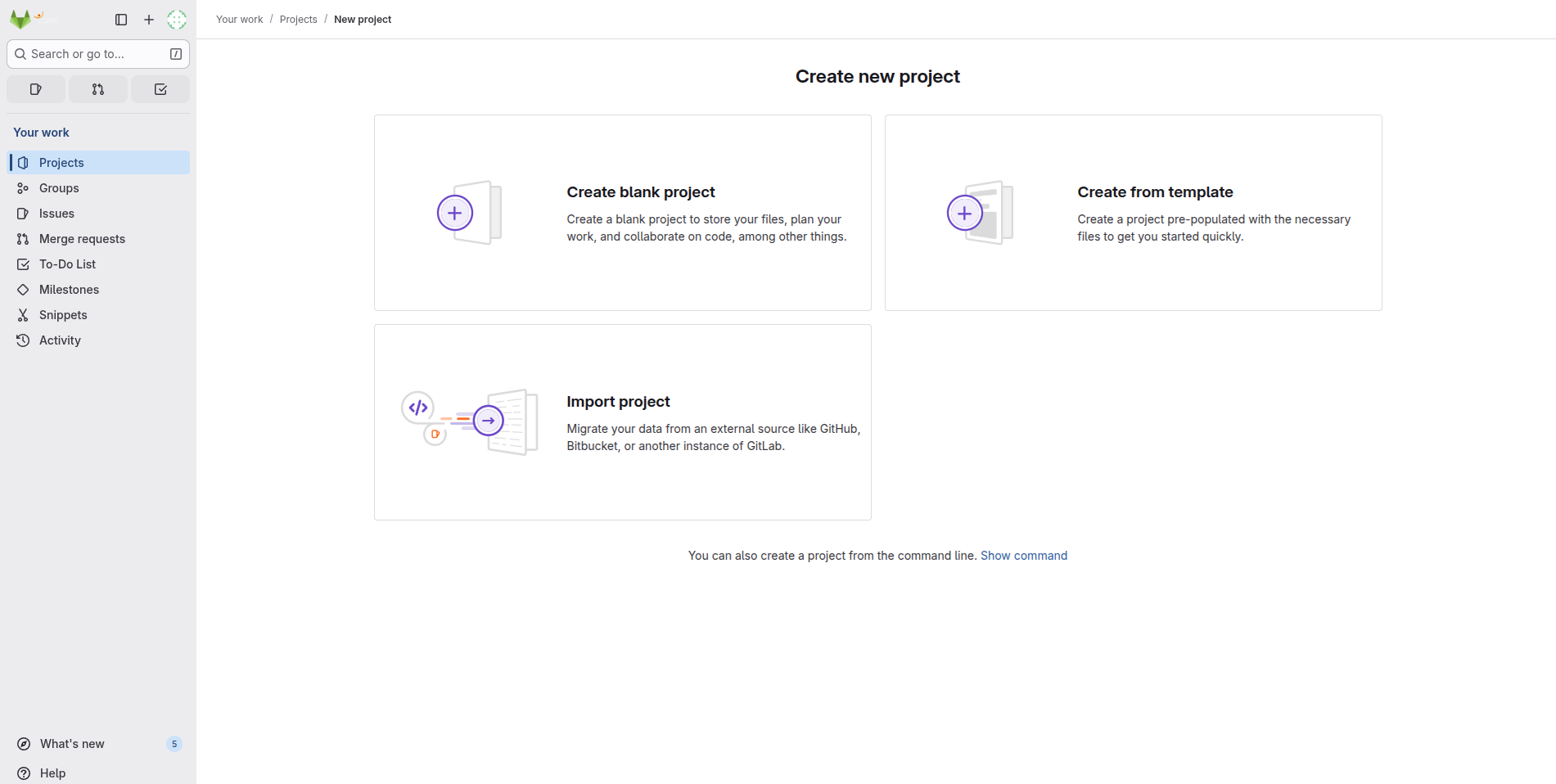
Next, select Create a blank project.
Fill in all the required information for your project and click Create project.