Introduction to Git
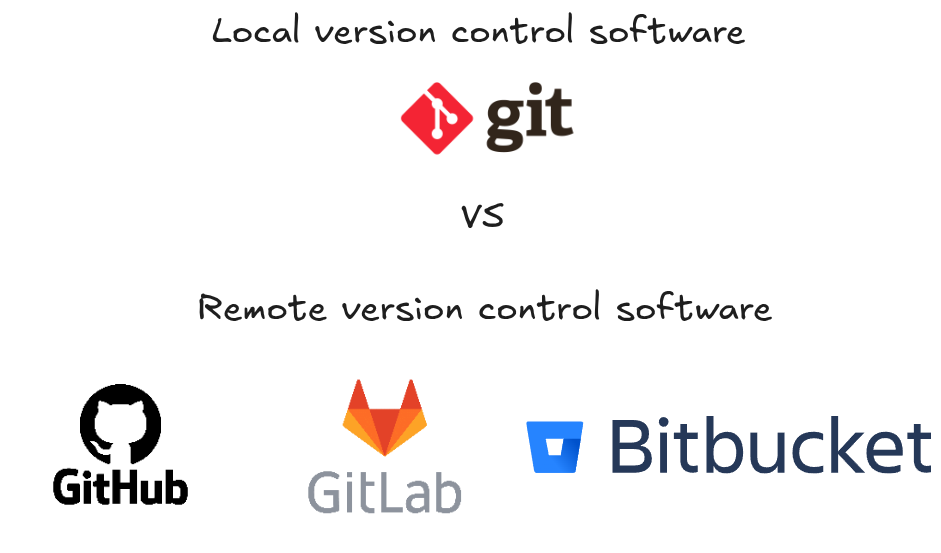
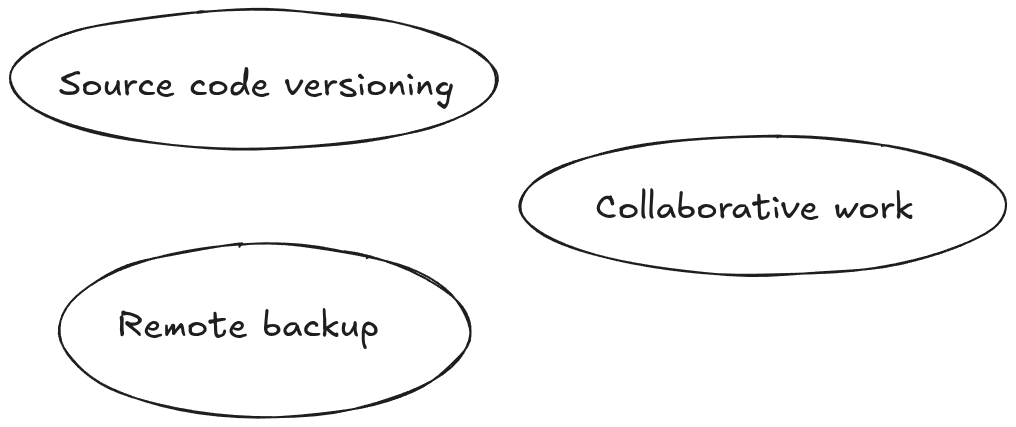
Git is a distributed version control system used to track changes in code and collaborate with others.
It allows developers to manage project history locally on their machine while synchronizing with remote repositories
hosted on platforms like GitLab, GitHub, or Bitbucket.
Benefits of version control software
1. Local Git Basics
When you initialize a repository on your computer, Git creates a .git folder that stores the project history.
# Create a new Git repository
git init

# Clone an existing repository
git clone https://gitlab.com/username/project.git

# Check repository status
git status
Committing Changes
# Add files to staging
git add file.txt

# Commit changes with a message
git commit -m "Add new feature"
2. Working with Branches
Branches allow you to work on new features without affecting the main code.
# Create a new branch
git branch feature-xyz

# Switch to a branch
git checkout feature-xyz

# Create and switch at the same time
git checkout -b feature-xyz
Merging branches:
# Switch to main branch
git checkout main

# Merge feature branch into main
git merge feature-xyz
3. Remote Repositories (GitLab, GitHub, etc.)
Remote repositories let you share code with others.
# Add a remote
git remote add origin https://gitlab.com/username/project.git

# Push local changes to remote
git push origin main

# Fetch updates from remote
git fetch origin

# Pull updates (fetch + merge)
git pull origin main
You can configure multiple remotes, for example:
git remote add github https://github.com/username/project.git
git push github main
4. Collaboration Workflow
A typical workflow with GitLab/GitHub:
- Clone the project
- Create a branch for your feature or bugfix
- Commit changes locally
- Push the branch to remote
- Open a Merge Request (GitLab) or Pull Request (GitHub)
- Review & Merge
5. Useful Commands
# Show commit history
git log --oneline --graph --decorate

# Show differences before committing
git diff

# Undo last commit (keeping changes staged)
git reset --soft HEAD~1

# Discard local changes
git checkout -- file.txt